**Windows Update Snafu Locks Users Out with Unexpected BitLocker Activation**
Password Amnesia Locks Out Users as Update Unveils...
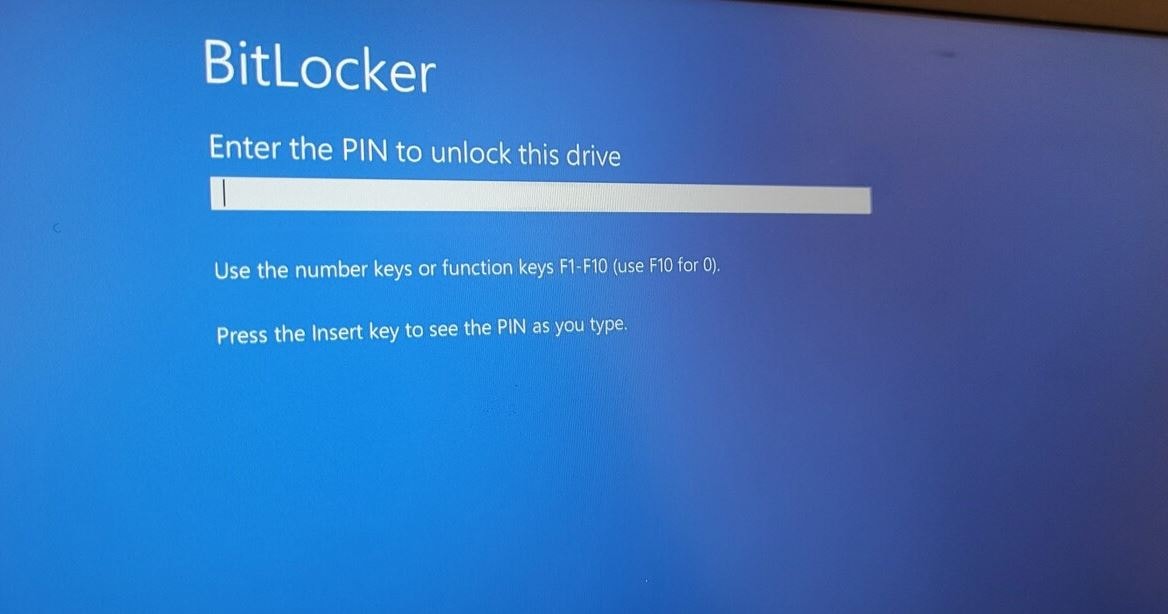
A recent Windows update has left some users locked out of their computers, triggering a frustrating BitLocker recovery screen that many are unable to bypass. The issue, stemming from Microsoft's latest security update for Windows 10 and Windows 11 (versions 25H2, 24H2, and 22H2), has inadvertently activated the BitLocker disk encryption tool on some systems, demanding a recovery key that many users simply don't possess or remember.
The problem surfaced after users restarted
The problem surfaced after users restarted their machines following the routine update. Instead of the familiar Windows login, they were confronted with a screen prompting them to "Enter your BitLocker recovery key." BitLocker, designed to protect data by encrypting the entire drive, usually activates in response to detected hardware changes or security threats. However, in this case, the update seems to have mistakenly triggered the encryption, leaving users stranded.
Microsoft has acknowledged the issue, pinpointing computers with Intel processors and the Modern Standby (Connected Standby) feature as being particularly susceptible. This feature, which allows devices to maintain a network connection even in sleep mode, appears to have conflicted with the update, incorrectly triggering BitLocker's security protocols.
The predicament is particularly dire for users who haven't saved or can't recall their BitLocker recovery key. Without the key, accessing the encrypted data is virtually impossible, raising the specter of potential data loss. Microsoft reminds users that recovery keys can often be found within their Microsoft accounts, but this offers little solace to those who lack a record of the key there. The company has also emphasized the importance of storing BitLocker keys in an offline environment for future reference.
Currently, Microsoft is actively developing a
Currently, Microsoft is actively developing a workaround, reportedly testing a fix that can be implemented through Group Policy. While an official patch hasn't been released through Windows Update yet, the company anticipates delivering a solution in the coming days. In the meantime, users facing the BitLocker screen are advised to attempt to locate their recovery key by logging into their Microsoft account from an alternate device.
This incident highlights the complexities of modern operating systems and the potential pitfalls of security updates. While intended to bolster user data protection, the faulty trigger has ironically locked users out of their own systems. As one tech expert commented, "This glitch, introduced with a security update, demonstrates how complex modern systems have become." The incident serves as a stark reminder of the importance of backing up data and securely storing critical recovery keys.
Comments
Please sign in with Google to post a comment
No comments yet. Be the first to comment!